 Takeback
Built so you don’t
have to trust us.
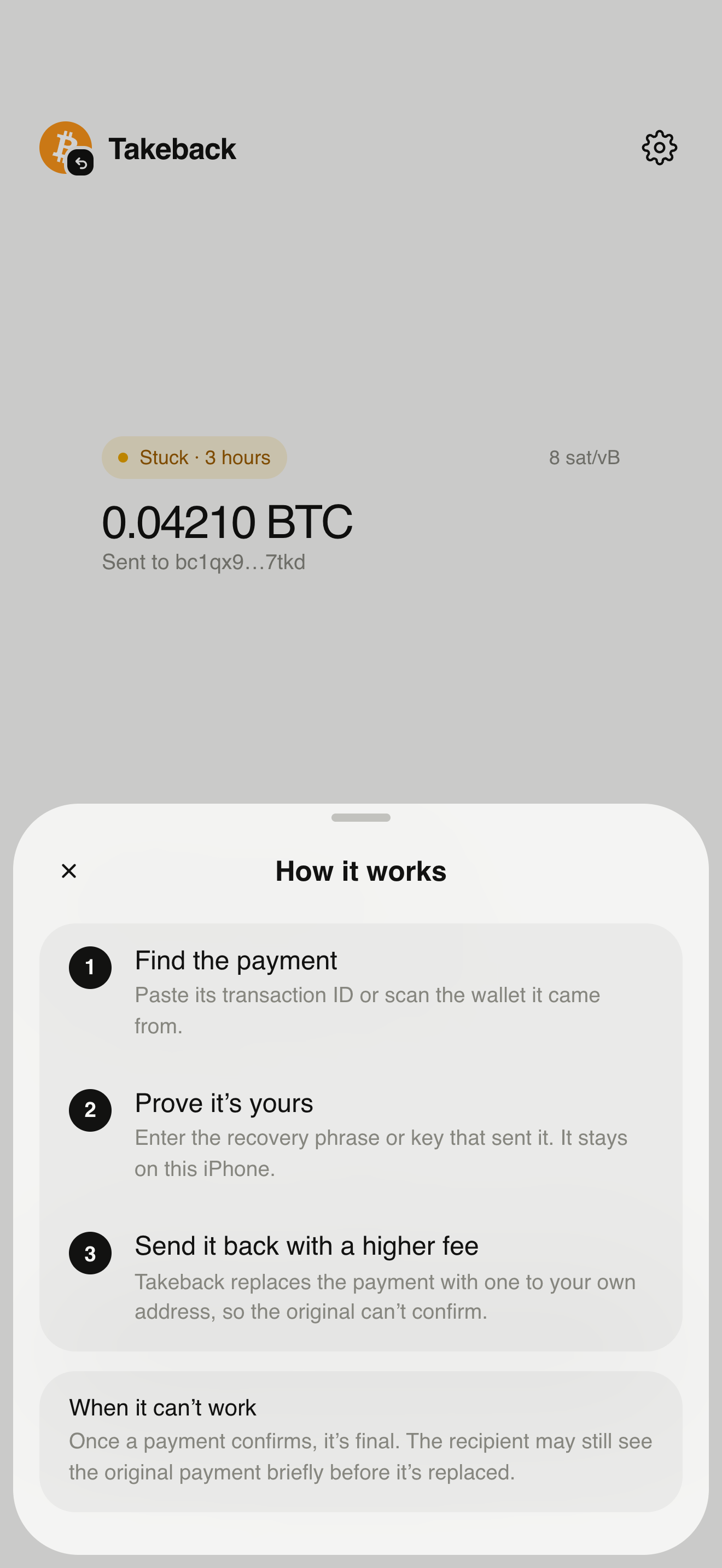
Takeback handles the most sensitive thing you own: the key to your bitcoin. So it’s designed to keep that key on your iPhone, for as short a time as possible, in code anyone can check.
Memory only
Your key exists only in the app’s memory while you use it. It’s never written to disk, the Keychain, iCloud, backups or logs.
Wiped after use
The key is cleared as soon as the replacement is broadcast, when you leave the flow, or when the app closes or goes to the background for too long.
No accounts
No sign-up, no email, no phone number. There is nothing to link a payment to you on our side, because we don’t have a server.
No tracking
No analytics, no advertising identifiers, no third-party SDKs that collect data. The website doesn’t use cookies either.
You approve every payment
Nothing is broadcast until you confirm with Face ID or your passcode on the final screen, which shows the amount, the fee and where the coins go.
Open source
The full source code is public on GitHub, so security researchers and you can read exactly what the app does with your key.
Your choice of server
Use the default public Electrum servers or connect your own. mempool.space is only used as a fallback for lookups.
Checks before signing
Takeback recomputes every replacement on the device: the coins spent, the outputs and the fee must match what you see, or it won’t sign.
Minimal network use
The app only talks to Bitcoin servers to look up addresses and broadcast transactions. It never contacts us.
Addresses go out. Keys never do.
To find and replace a payment, Takeback has to ask the Bitcoin network a few questions. Here’s exactly what is shared, and with whom.
Shared with the server you use
- Addresses derived from your key
- The signed replacement, when you broadcast it
- Your IP address, as with any internet request
Never leaves your iPhone
- Recovery phrase and passphrase
- Private keys, WIF, hex and xprv
- Anything about you
For the most privacy, connect your own Electrum server and use a VPN or Tor at the network level.
Check that the app is the code.
Open source only helps if the app you run is built from the published code. You can check that in three ways.
- Build it yourself. Clone the repository and run your own build on your iPhone from Xcode.
- Compare the fingerprint. Each release lists its build fingerprint in the GitHub release notes. The app shows its own fingerprint in Settings → About.
- Read the release tag. Every App Store version matches a tagged commit you can review.
$ git clone https://github.com/devdasx/takeback.git
$ cd takeback
$ git checkout v1.0.0   # the version you run
$ open Takeback.xcodeproj

# Then compare Settings → About → Build fingerprint
# with the one in the release notes.
Scams to watch for.
People who are stressed about a stuck payment are a target. Keep these rules in mind.
We will never ask for your key
No one from Takeback will ever ask for your recovery phrase or private key, by email, chat, phone or social media. Anyone who does is trying to steal your bitcoin.
Only get the app from the App Store link here
Fake “recovery” apps and websites copy names like ours. Use the link on takeb.io, and check the developer name before installing.
Nobody can reverse a confirmed payment
Services that promise to “recover” confirmed bitcoin for a fee are scams. Once a payment has a confirmation, it’s final.
Enter your key in private
Make sure no one can see your screen, and don’t screenshot your key. Takeback clears the key as soon as you’re done.
Found a security issue?
Email us with the details and steps to reproduce. Please give us time to fix it before sharing it publicly. Never include a real recovery phrase or private key.